


Step 01
Download the Free Parenting App
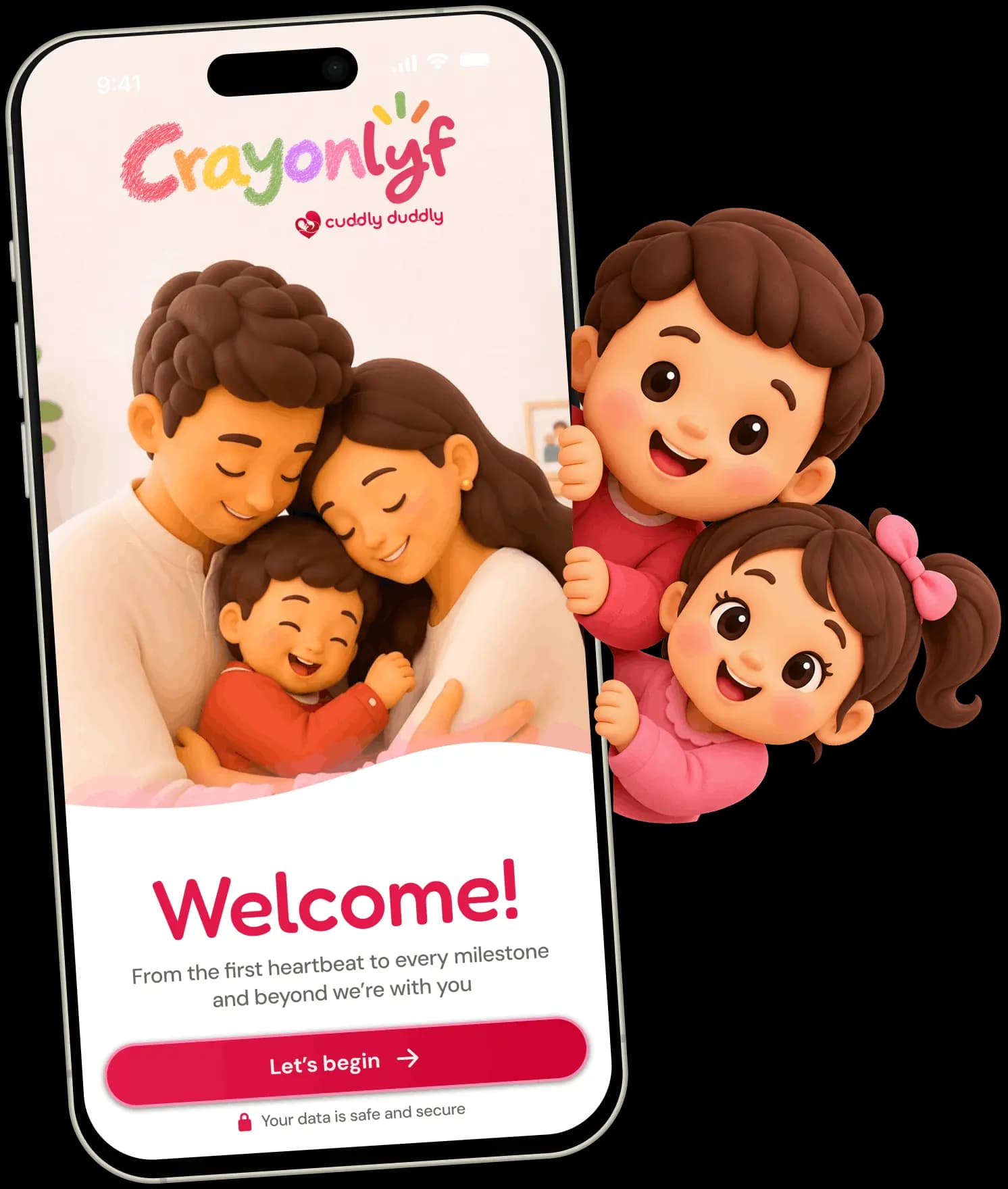
Install CrayonLyf free from Google Play or the App Store, open it and tap Let's begin.
Get it on Google Play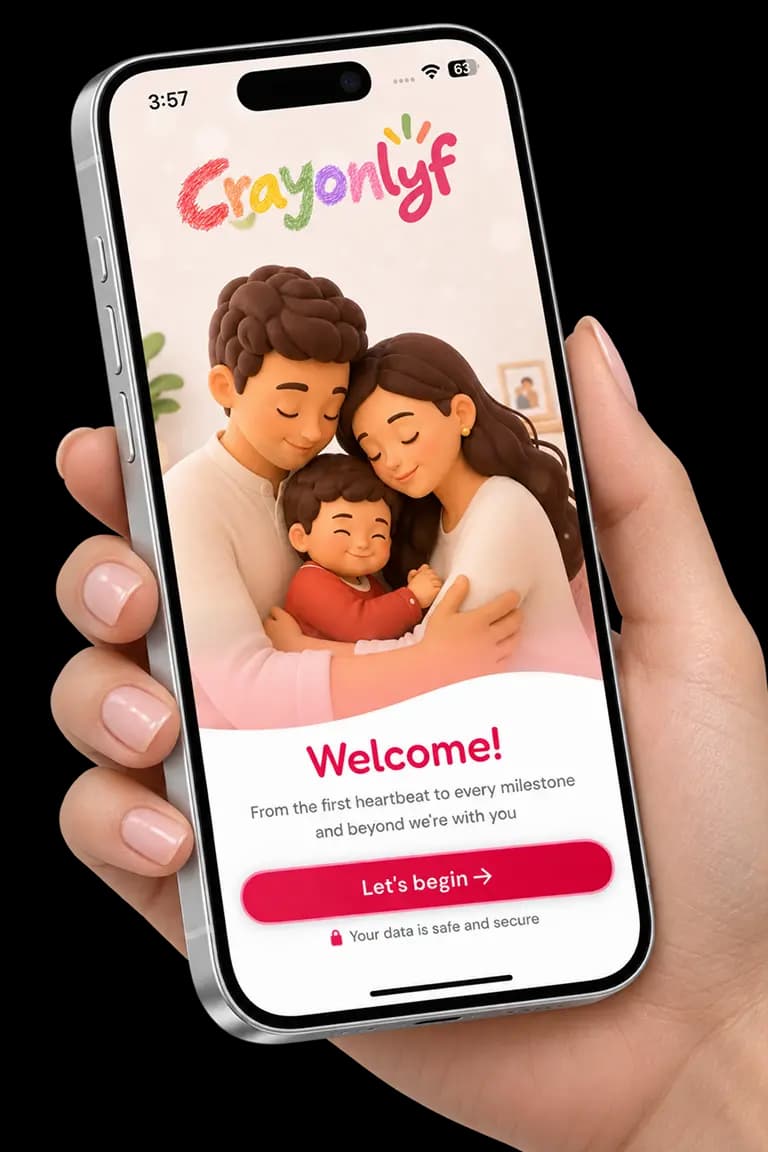
Loading...
CrayonLyf is a completely free parenting app for Android and iPhone, helping every caregiver stay on the same page. Sign up, add your child, and invite your family. Then track meals, activities, and screen time in one place.


Join thousands of parents on this beautiful journey
From setting up your child's profile to managing everyday activities, discover how CrayonLyf makes parenting simpler.
Install CrayonLyf free from Google Play or the App Store, open it and tap Let's begin.
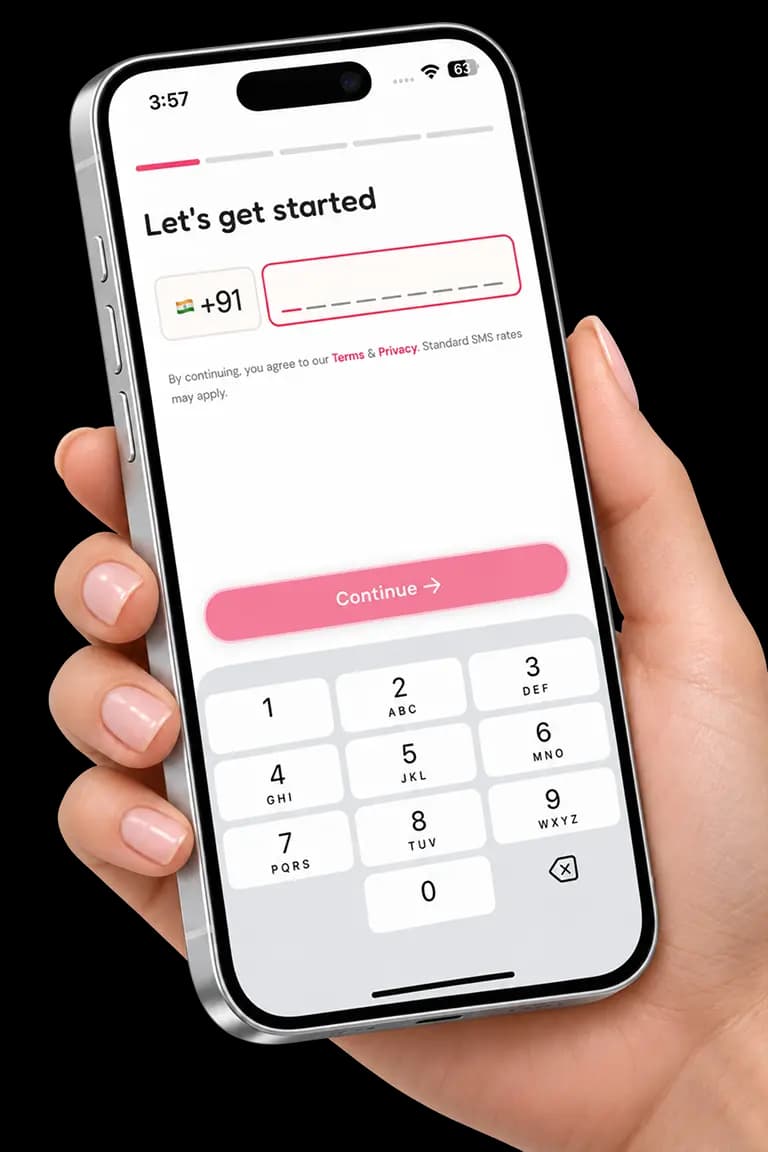
Get it on Google PlayEnter your mobile number and tap Continue. A progress bar shows how far along you are, so signing up stays quick and simple.
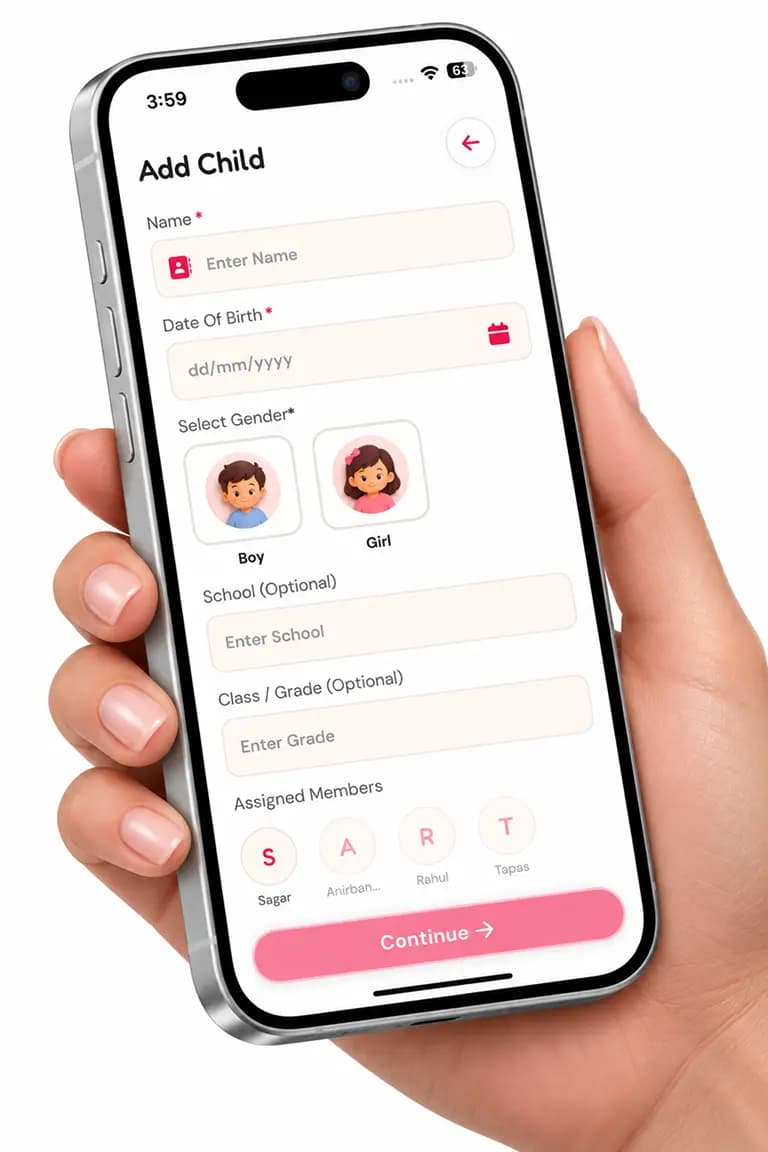
Add your child's name, date of birth and gender. School and class are optional, and you can add more children anytime.
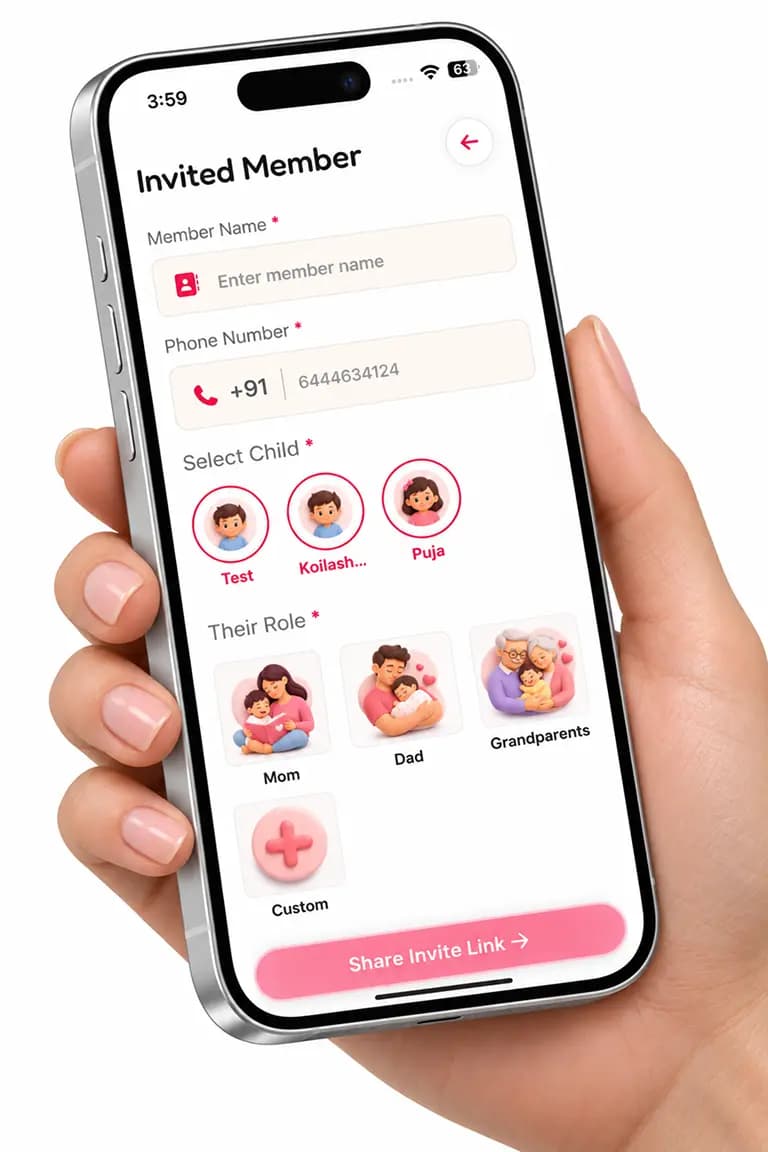
Enter their name and phone number, choose their role and share an invitation link to keep everyone connected.
Add classes, tuition, health visits and play. Set one-time or weekly activities, add reminders and choose who is responsible.
Learn more: Activity Tracking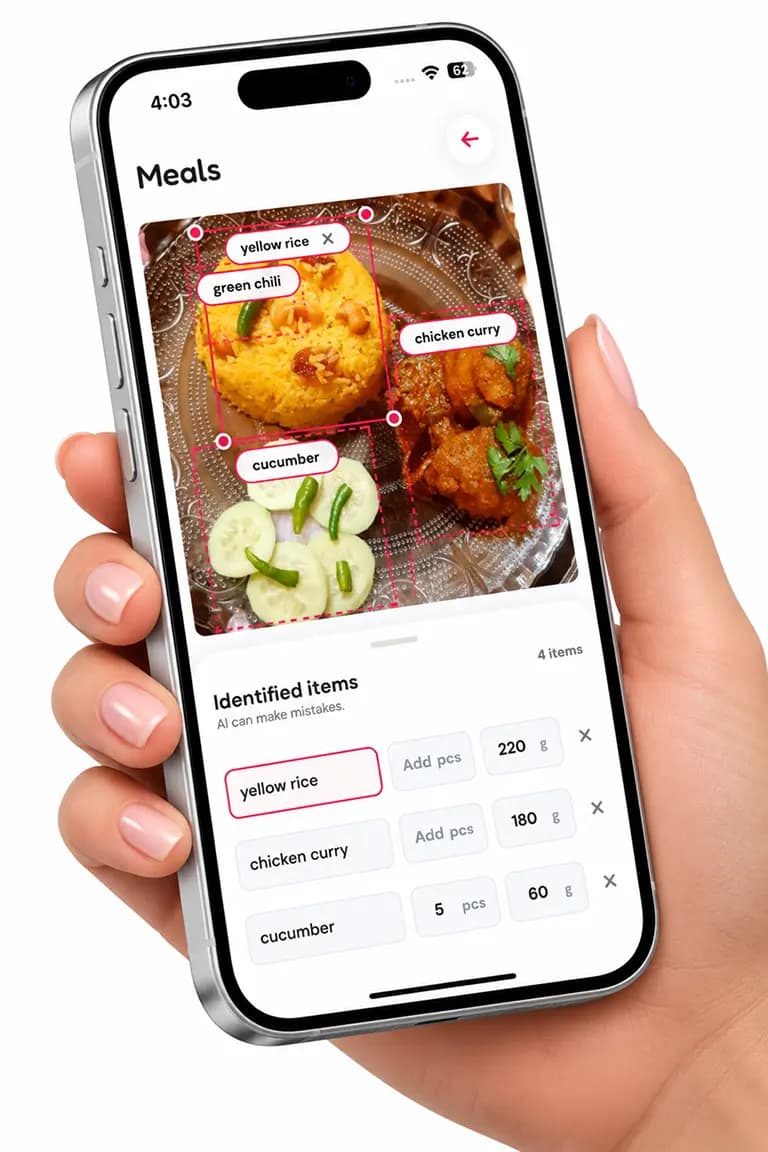
Snap your child's meal and AI identifies the items. Review them and see estimated calories, protein, carbs, fat, calcium and iron.
Learn more: AI Meal Tracking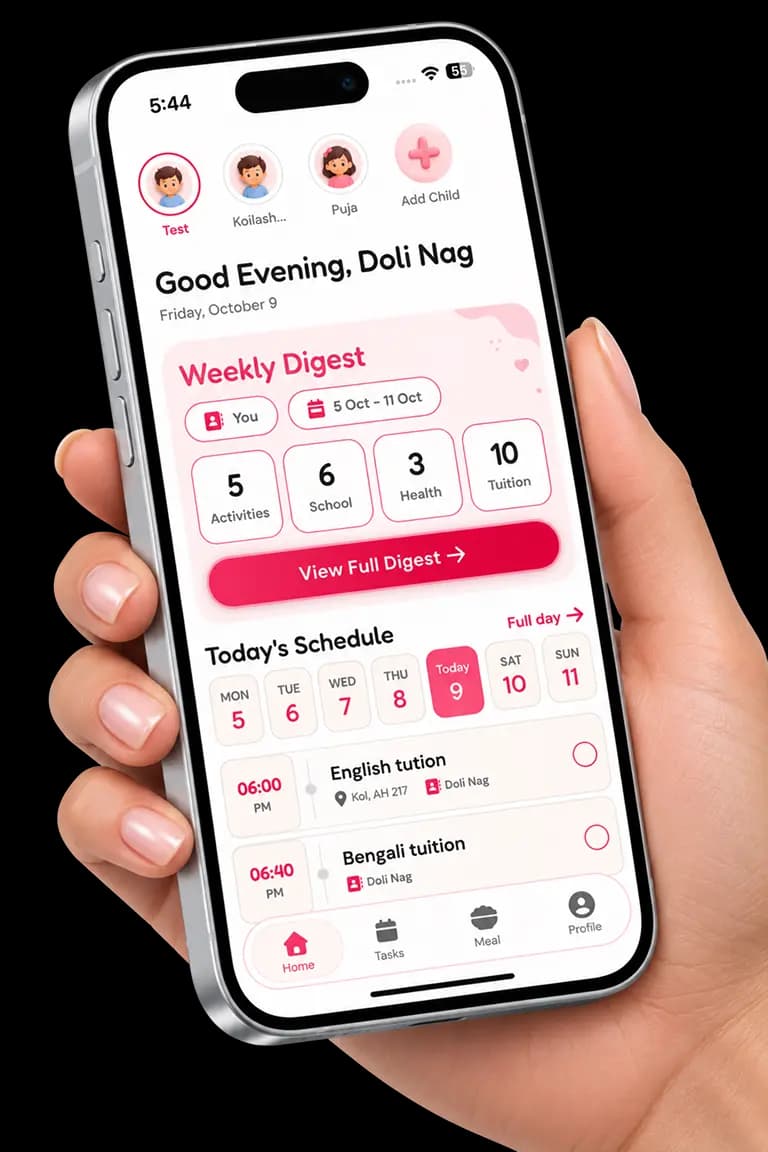
Log what your child used and for how long, split into education and entertainment, and follow the weekly chart against a daily limit.
Learn more: Screen Time TrackerSee your child's week and today's schedule in one simple summary that every caregiver can read.
Learn more: Weekly Digest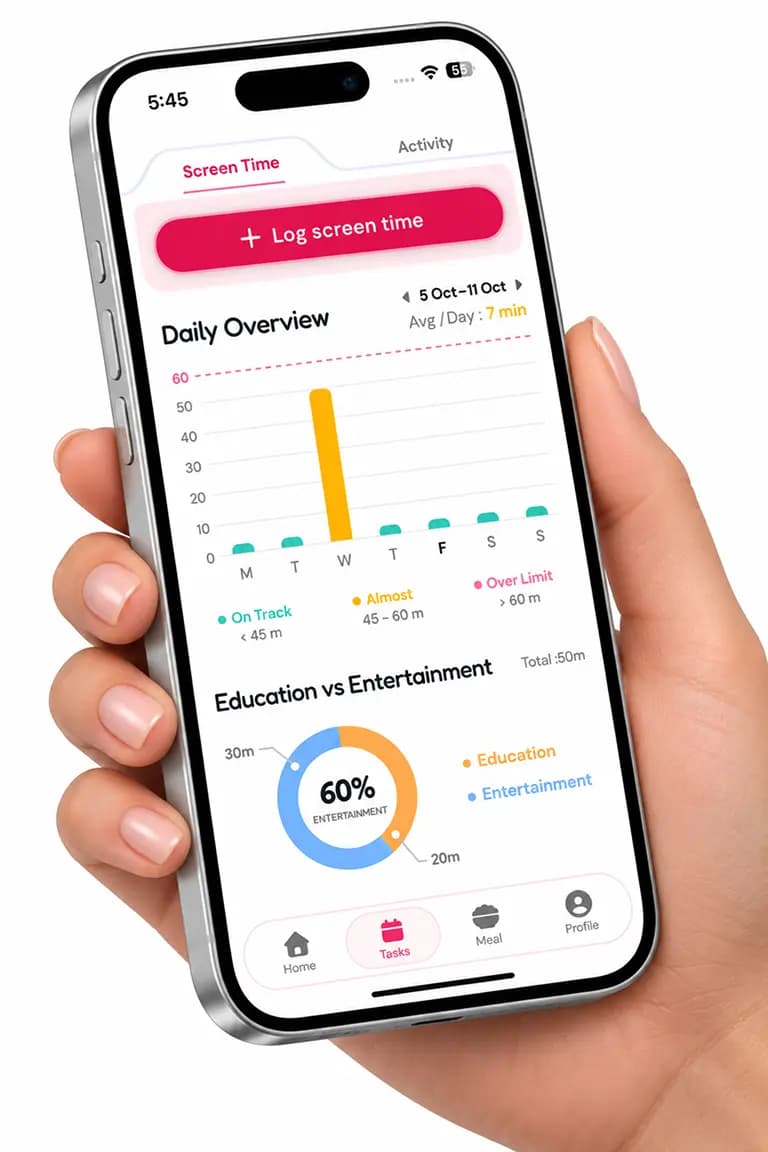
CrayonLyf is the easy way to share your child's day with everyone who helps care for them.
Stay close to your child's day, even from the office. See meals, activities and tasks as soon as they are updated.
Clear tasks and simple daily updates, so you always know what your little one needs next.
Log feeds, naps and routines in seconds, and build healthy parenting habits without the stress.
Yes. CrayonLyf is completely free, and every feature is free to use.
Yes. Setup takes a few minutes, tasks are clear and everyone sees the same simple daily updates.
Download the app, tap Let's begin and sign up with your mobile number. Then add your child's details.
Enter your child's name, date of birth and gender. School and class or grade are optional. You can add more children anytime.
Enter their name and phone number, choose the child and their role, such as Mom, Dad or Grandparents, then tap Share Invite Link.
Yes. They install CrayonLyf, accept your invite and are connected to your child's profile.
Yes. You can track activities, meals and screen time on your own and invite caregivers whenever you are ready.
Plan activities and assign caregivers, log meals with a photo, track screen time and read the Weekly Digest.
Yes. Only caregivers you invite can see your child's information, and you can remove access anytime.
From the first heartbeat to every milestone, CrayonLyf is here to make parenting a little simpler and a lot more joyful.