Four simple categories
Sort every activity into Activities, School, Health or Tuition.
Loading...
CrayonLyf is a free activity tracking app for families. Classes, tuition, doctor visits and playtime all need someone to remember them, so you add an activity once, choose who is responsible and set a reminder. It works as an activity tracker app for Android and iOS, so the whole family stays on the same page.


One place for your child's routine, instead of reminders and messages spread across phones.
Sort every activity into Activities, School, Health or Tuition.
Plan a single event, or repeat an activity on the days you choose.
Pick who is responsible, so nothing depends on one person.
Choose how long before the activity you want to be reminded.
Open the activity tracking app, tap Add Activity, type a name your family will recognise, then choose the category that fits.
Decide whether the activity happens once or repeats every week.
Choose who is responsible for the activity and, if you like, where it takes place.
Before you save, CrayonLyf shows the whole plan in one plain sentence: the child, the days and time, who it is assigned to, how often it repeats and when the reminder arrives.
Once the activity is added, the family does not have to keep track of it by memory.
The assigned caregiver gets a reminder before the activity starts.
Invited parents, grandparents and caregivers see the same schedule.
Activities show up in your child's day alongside meals and screen time in the Daily Digest.
Weekly tuition classes, with a reminder before each one.
School events and routines that happen outside the usual timetable.
Doctor visits and other health appointments, assigned to the right person.
Playtime, sports and hobbies, such as an evening game at the ground.
Looking for the best app to track activity for your child's routine? Look for these five things. CrayonLyf is built around all of them.
A good activity tracking app takes seconds: a name, a category and a time. CrayonLyf needs four short steps.
Reminders should reach whoever is responsible. CrayonLyf sets the reminder for the assigned caregiver.
Parents, grandparents and caregivers should see one plan, not separate lists.
Weekly classes should not be typed in again and again. Pick the days once and the activity repeats.
CrayonLyf is free and works as an activity tracker app for Android and iOS.
Find answers to common questions about tracking your child's daily activities, managing schedules, setting reminders and coordinating with caregivers.
An activity tracking app helps you plan and keep track of what happens in the day. With CrayonLyf you can add activities in four categories: Activities, School, Health and Tuition, and share them with every caregiver.
Yes. CrayonLyf is a free activity tracker app for Android, available on Google Play. It also works on iOS, so every parent, grandparent and caregiver can use the phone they already have.
The best app depends on what you need to track. For your child's classes, tuition, school events and health visits, look for an app that is quick to use, repeats weekly activities, sends reminders to the right person and lets the whole family see one schedule. CrayonLyf does all of this and is free.
Yes. Choose Weekly, pick the days and the time. For a single event, choose One Time and set the date.
Yes. Choose how long before the activity you want to be reminded, for example 30 minutes before.
Yes. Every activity is assigned to a caregiver, so it is clear who is responsible.
Yes. Add multiple children to one family profile and set activities separately for each child.
Yes, Activity Tracking is completely free and easy to use.
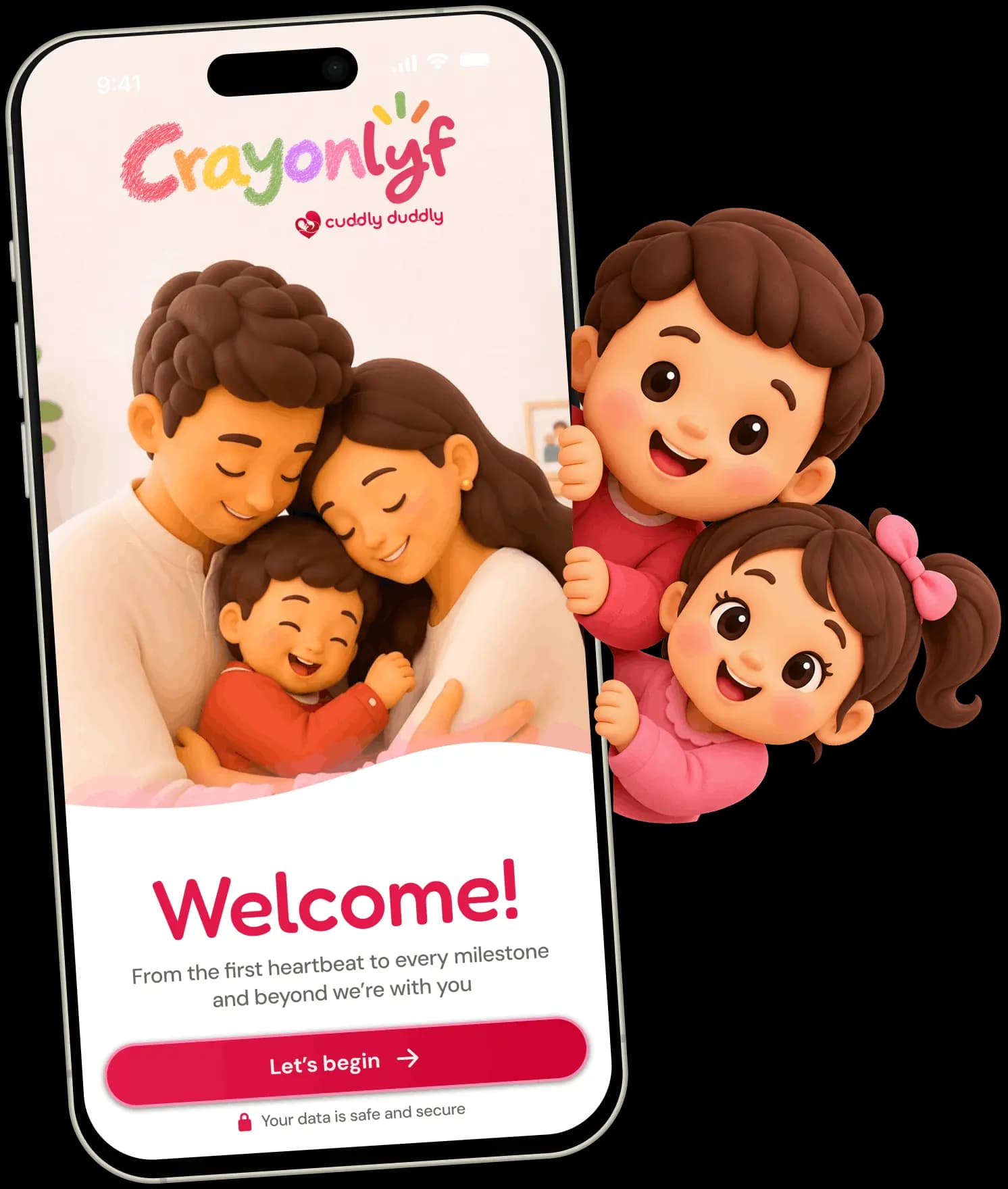
Get CrayonLyf for Android and iOS and log your child's first screen time session today.