Photo to meal log
Upload a top view and a side view, and the AI does the identifying.
Loading...
CrayonLyf is a free food intake tracker app for kids. Take photos of your child's meal and AI identifies the food items and estimates calories, protein, carbs, fat, calcium and iron. Review it, confirm it and track your child's nutrition for the day and week, with no typing and no guesswork.


A simple way to keep a food and nutrition record for each child, even when many people feed them.
Upload a top view and a side view, and the AI does the identifying.
See estimated calories, protein, carbs, fat, calcium and iron for each item. Tracking calories takes one tap.
Edit item names, pieces and weight before you confirm.
Watch today's totals and a weekly chart for every nutrient.
Start your nutrition tracking in seconds. Open the Meal tab in the CrayonLyf food intake tracker app, pick the child you are logging for and tap Analyse Nutrition.
Add two photos of the meal, one from the top and one from the side, then tap Continue. Simple picture guides help you take clear photos, so tracking calories and nutrients from a photo stays accurate.
Our AI food and calorie tracker looks at your photos, assesses the ingredients and analyses the meal. There is no typing and no searching a food list, so it is the easiest way to track your nutrition.
The AI marks each food it found on your photo and lists every item with a quantity and weight. A note on screen reminds you that AI can make mistakes, so you can fix anything that looks off before it goes into your child's food intake record.
See the estimated calories, protein, carbs, fat, calcium and iron for each food. When it looks right, tap Confirm and Log Meal to save it to your child's nutrition tracker.
Your logged meals add up automatically. Check today's total calories and nutrients, then switch nutrients to follow your child's nutrition through the whole week.
Instead of guessing or asking around, you have a record you can trust and review.
Two photos replace typing out every item and portion.
Meals logged by any invited caregiver are visible to the whole family.
Daily totals and the weekly chart show how your child's nutrition is trending.
Tracking calories is only part of the picture. CrayonLyf shows six numbers for every item and for every day, all labelled as estimated nutrition.
Estimated calories in every item and in the whole day.
Protein for each item, added up for the day.
Carbohydrates in each item, with a daily total.
Fat for each item, with a daily total.
Calcium for each item, tracked day by day.
Iron for each item, tracked day by day.
Looking for the best app to track your child's nutrition, or the best app for tracking calories and nutrition? Look for these five things. CrayonLyf is built around all of them.
The best food calorie counter app saves typing. CrayonLyf reads your meal photos and lists every item.
Look for calories and nutrients together: protein, carbs, fat, calcium and iron, as CrayonLyf shows.
AI can make mistakes. CrayonLyf lets you edit item names, pieces and grams before you log.
A good nutrition tracker adds up the day and charts the week for each nutrient.
CrayonLyf is free, and every invited caregiver sees the same food record.
Find answers to common questions about AI nutrition tracking, meal logging, calories, nutrients, and using CrayonLyf for your child's daily nutrition.
Upload a top view and a side view photo of your child's meal. CrayonLyf identifies the food items and shows the estimated nutrition for each one, so it works as a food intake tracker without any typing.
The best nutrition tracker app depends on what you need. Look for an app that identifies food from a photo, shows more than calories, lets you correct mistakes and shows daily and weekly trends. CrayonLyf does all of this and is free.
Yes. Each logged meal shows estimated calories for every item, and your daily and weekly totals add up automatically, so you can keep track of calories alongside protein, carbs, fat, calcium and iron.
CrayonLyf is the best app to track calories and nutrients for children. It shows calories, protein, carbs, fat, calcium and iron together for every item and every day, takes seconds to use with just a photo, and lets every caregiver see the same record. It is also free.
Take a clear top view and side view with the whole dish in the frame. Photos of non-food items are not accepted.
Yes. You can also add a meal by typing it in.
Yes. Add multiple children to one family profile and log meals separately for each child.
Yes. CrayonLyf is available on Google Play for Android and on the App Store for iOS.
Yes, nutrition tracking is completely free and easy to use.
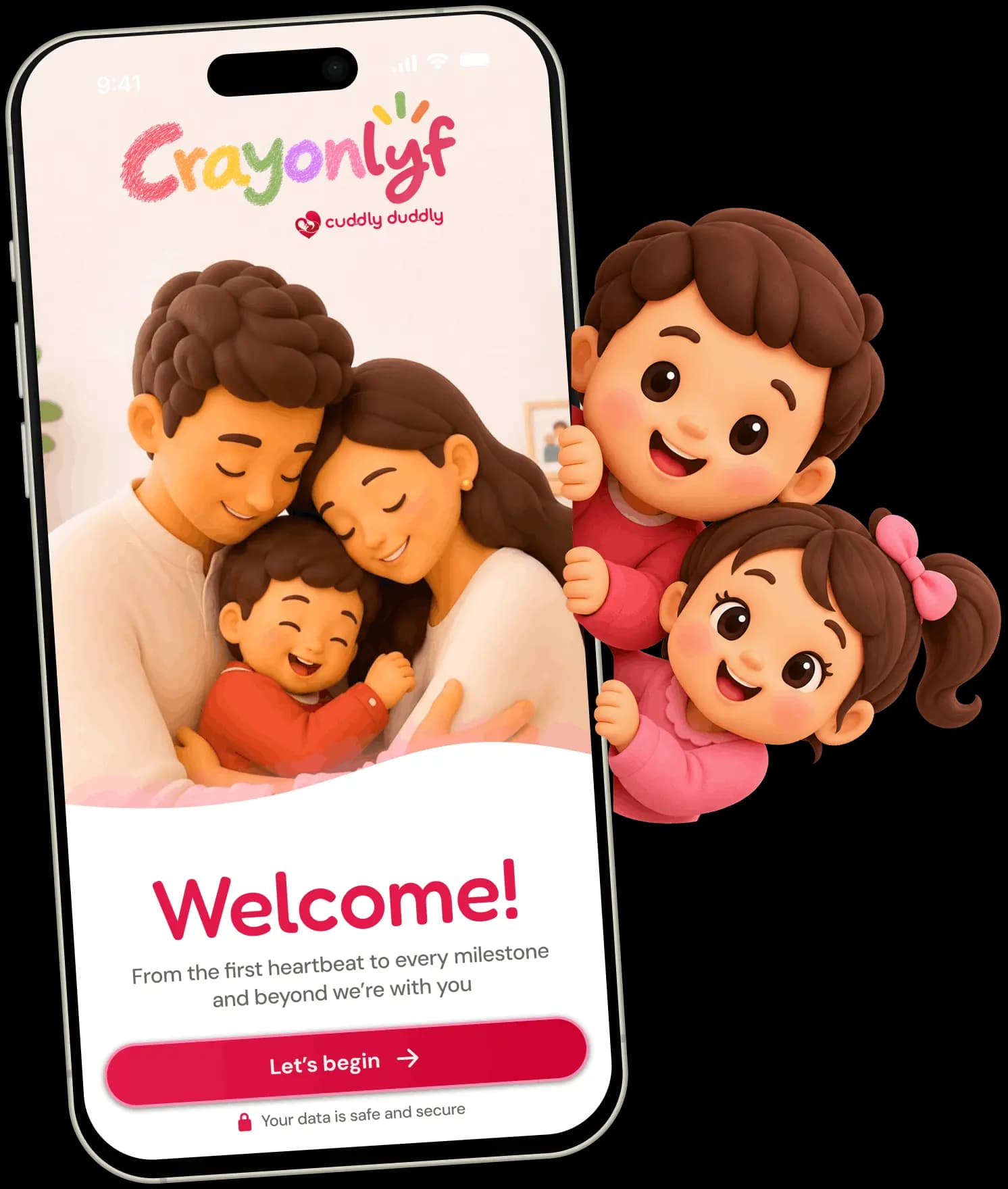
Get CrayonLyf for Android and iOS and log your child's first screen time session today.